
A roster for each branch
Each branch is a site with its own weekly roster. Save your opening, mid and closing shifts as templates, and build the week from them.
For example, a restaurant manager can build the coming week from opening and closing shifts, then publish the roster for the crew to see. If a crew member belongs to another site, the roster warns the manager.
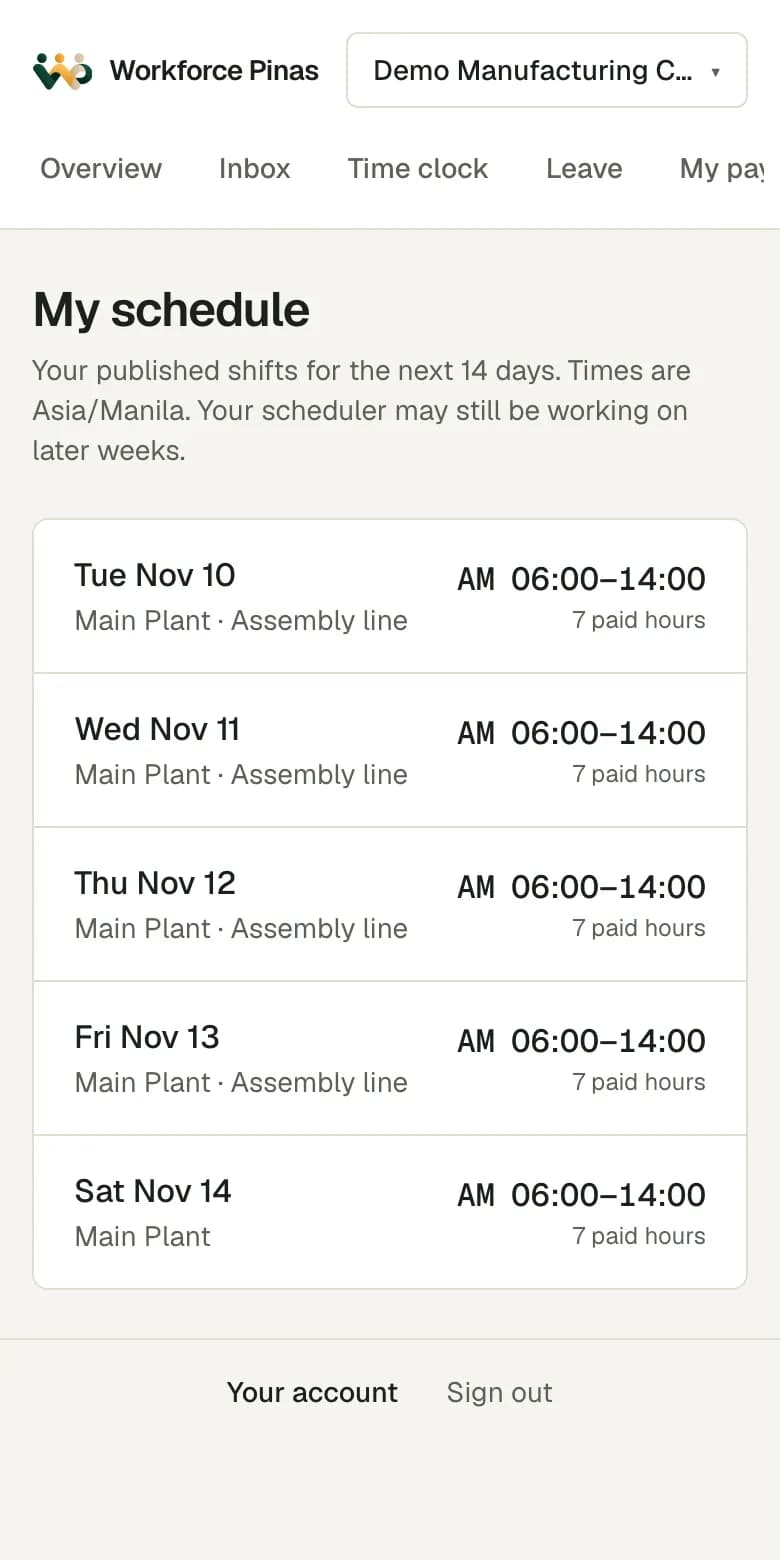
Crew see their shifts on their phone
After you publish, crew see their shifts in the Android app or in a browser. The phone app is in English and Filipino. The iPhone app is coming soon.
Crew request leave in the same app. If a shift falls on approved leave, the roster tells you before the week starts.
Clock in at the branch, not at a terminal
Crew clock in on their own phone, so there is no queue at a machine when the shift starts. Set a branch to require a location, and a punch from outside the branch area is flagged for the manager to review.
A mall basement or a back kitchen often has a weak signal. The app keeps the punch on the phone and sends it later with the original time.
Approve the day before payroll review
Each branch manager sees the late starts, early finishes and missing punches for their branch first. A correction needs a reason.
The owner sees the attendance and overtime cost reports across branches. If your group has more than one company, each legal employer has its own timesheet periods and payroll runs.
Questions
Can one manager look after two branches?
Yes. Give that person the branch manager role for each branch. They see those branches and no others.
Can crew clock in without mobile data?
Yes. The app keeps the punch with its original time and sends it when the phone is online again. A retry does not create a second punch.
Does it suit a restaurant group with several companies?
Yes. Add each company as a legal employer with its own branches. Rosters, timesheet periods and payroll runs stay with the right company.
Can crew with an iPhone use it?
The iPhone app is coming soon. Until then, crew with an iPhone clock in and see their shifts in the web app in a browser.