
One site for each project
Add each project as a site under your legal employer. Set its location to off, optional or required, then enter the site coordinates and a radius in metres. There is no address search yet, so copy the coordinates from a map.
When the project ends, archive the site. Its history stays readable, but no new roster, punch or correction can use it.
Crews that move between sites
When a worker moves to another project, record a transfer to that site with the date it starts. From that date, the location check, the roster warnings and the site filter in reports use the new site.
The location check follows the worker's assigned site on the punch date, not the site of the shift. A worker who helps at another site for a day gets a flag for the supervisor to review. To prevent that flag, give the worker an exception for that site on the employee file. For field work, choose Anywhere.
Remote sites and a weak signal
A site in the hills or a deep excavation often has no signal. The app keeps each punch on the phone with the time of the tap, and sends it when the phone finds a connection.
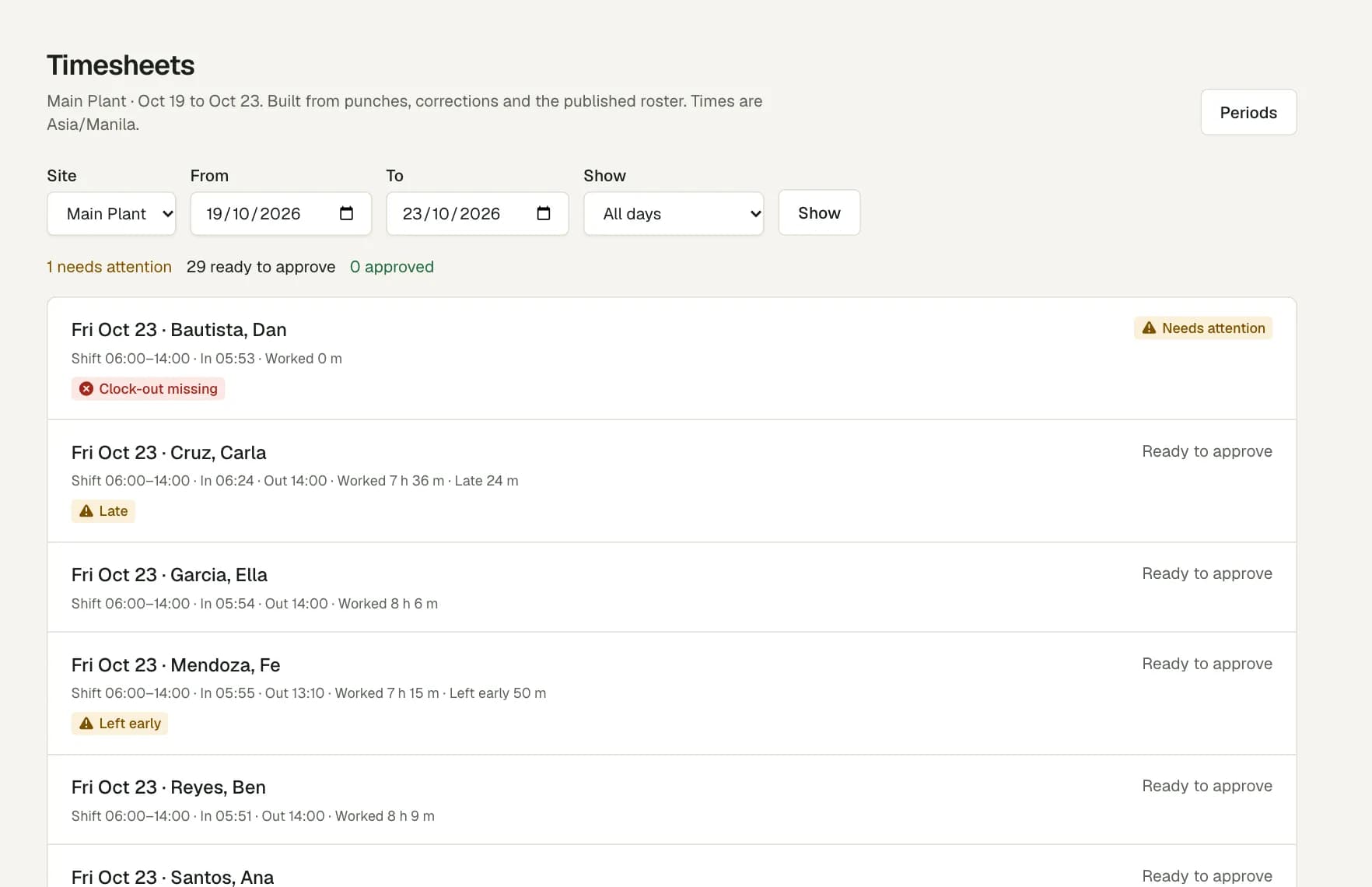
A punch from outside the site area is saved, not blocked. The supervisor sees the flag on the timesheet and decides before approving the day.
Manpower by site and trade
Add each trade or crew as a team at the site, and set how many people each shift needs. The Coverage page shows the gap for each day of the week.
Record certificates, such as a safety training certificate, with an end date. A shift that needs one accepts only the people who hold it on that date.
Questions
Can a worker clock in away from the site, for example at a supplier's yard?
Yes. Add an exception on the Work locations tab of the worker's file. For a fixed place such as a supplier's yard, choose Other place, with a name and an area. For field work, choose Anywhere: there is no area check, and the phone still sends the location. A punch outside every approved place is saved and flagged for review.
Does the app block a punch from outside the site?
No. The punch is saved and flagged for review. The worker sees that the manager will review it, and any correction needs a reason.
Can we record project employment?
Yes. The employment classification includes Project, Seasonal, Fixed term and others. Workforce Pinas records the classification. It does not decide which labour rules apply.
Does it do construction payroll?
Payroll is in pilot review. It starts from locked timesheet periods. Statutory rules and payroll results require specialist validation before production use.