
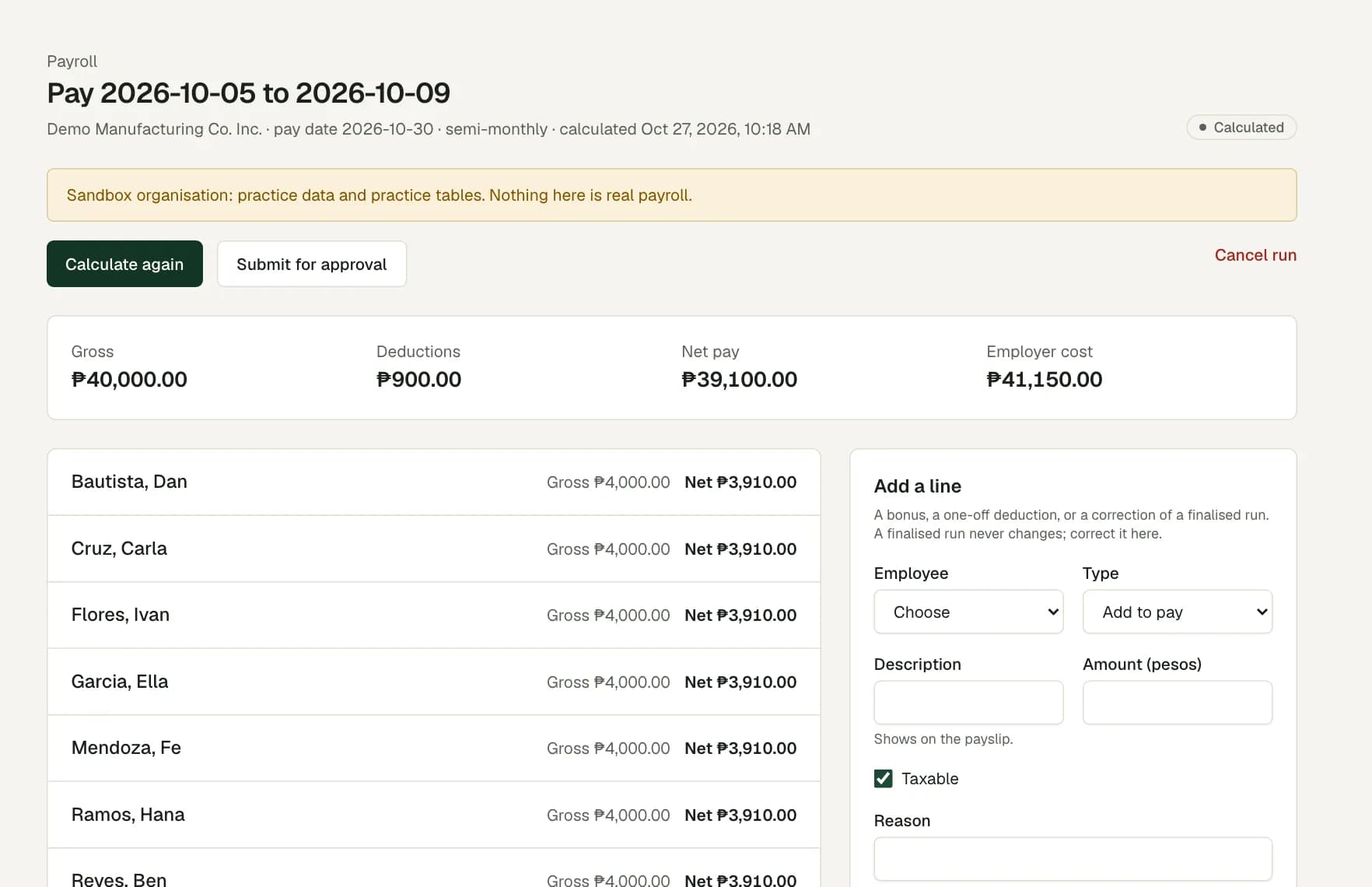
Payroll is in pilot review. Statutory rules and payroll results require specialist validation before production use.
Seven reports on one page
Choose a report, set its filters and see the rows on screen before you download them.
- Headcount by legal employer, site and classification, on a date you choose.
- Employee list, with or without the people who left.
- Attendance exceptions for a date range and a site: worked, late, undertime and overtime minutes for each person and day.
- Overtime cost for a date range, from finalised payroll runs.
- Leave balances and pending days by leave type.
- Payroll register for one finalised run: gross, deductions, net and employer cost.
- Audit log, for owners and auditors.
CSV or PDF, with care for sensitive data
Download any report as CSV for a spreadsheet, or as PDF to print or send. The employee list, overtime cost, payroll register and audit log hold sensitive data, so each download of them is logged.
Reports include protections for opening them in a spreadsheet.
Large exports and saved filters
A direct download holds up to 2,000 rows. For more, start a background export. It runs with your own access, and the file waits on the Reports page for a limited time.
Save the filters you use often, for example the attendance report for one site, and open them again in one click.
Reports that agree with the screens
Attendance comes from the same timesheet days that managers approve. The payroll register comes from finalised runs. So a report total agrees with the screen it came from.
Every date and time is in Asia/Manila. Payroll is in pilot review, so treat the payroll register and overtime cost as review figures until a specialist validates your payroll.
Questions
Can a branch manager run reports?
Yes, for the sites in their scope. Headcount, the employee list, attendance and leave balances follow their access. The pay reports need a payroll role.
Can an auditor see the reports?
Yes, except the pay reports. The auditor role opens the staff, attendance and leave reports and the audit log, with no pay amounts.
Is there a government contribution report?
Each finalised payroll run has a contribution and withholding summary for export, not a filing. It sits with the run, not on the Reports page. Payroll is in pilot review.
Can I schedule a report by email?
Not today. Open the Reports page, or a saved filter, and download the report when you need it.