
One shift, two dates
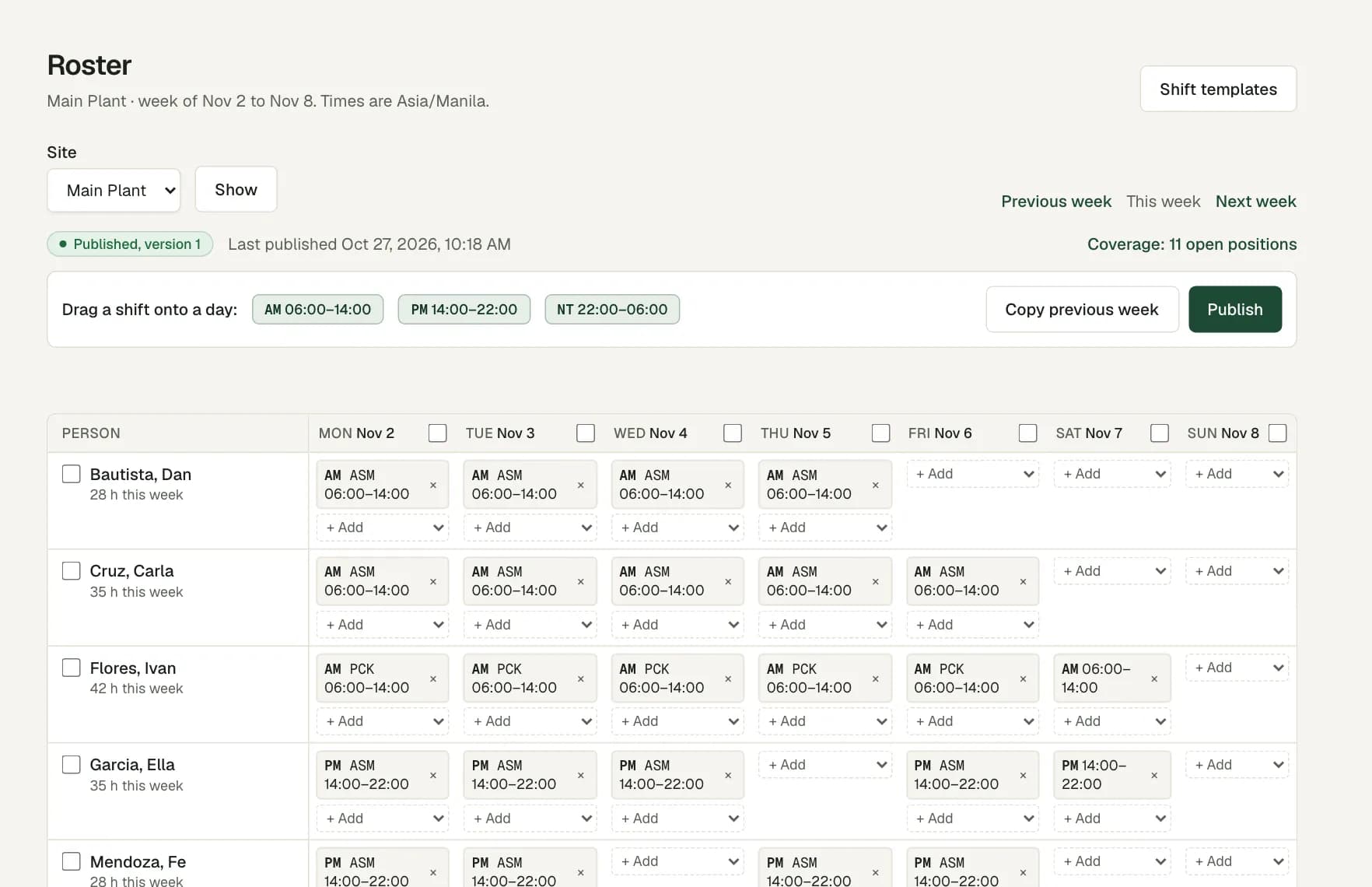
A shift template that ends before it starts runs into the next day. The roster shows it as one shift, marked +1.
The timesheet matches the clock-in and the clock-out with that one shift. Late starts and early finishes are measured against it.
Hours split by calendar date
For payroll review, worked time splits at Manila midnight. If one of the two dates is a holiday in your calendar, those hours stay apart from the rest.
The pay rules have a setting for night work, but no values ship with the product. A specialist enters them from the official source, with an effective date. Payroll is in pilot review.
Teams, accounts and rotations
Plan headcount by team for each shift, and see the gap on the Coverage page. When the rotation changes, the roster checks each agent against your policy.
- Less rest between two shifts than your policy sets.
- More hours in the week than your policy limit.
- No day off in the week.
- A shift that would overlap another shift.
Attendance for agents on site
Agents clock in on their phone or in a browser. Set the site to require a location, and a punch from outside the site area is flagged for a supervisor to review.
For an agent who works from home on set days, add a home exception with those weekdays on the employee file. A punch at that home on those days gets no flag.
Questions
What night differential rate does Workforce Pinas use?
None ships with the product. A specialist enters the night work setting with its source and effective date. Payroll is in pilot review, and its results need specialist validation.
What if an agent forgets to clock out after a night shift?
The day shows Clock-out missing or Still clocked in, and it cannot be approved. A supervisor adds the correct time with a reason, and the original punch stays.
Can we plan by account or team?
Yes. Add each team as a work area, then set how many people each team needs on each shift and day.
Do agents need to be in the office to clock in?
No. A location rule never stops a punch. If the site asks for a location, a punch from outside the site area is saved and flagged for review. With a home exception on set weekdays, an agent clocks in from home with no flag.