
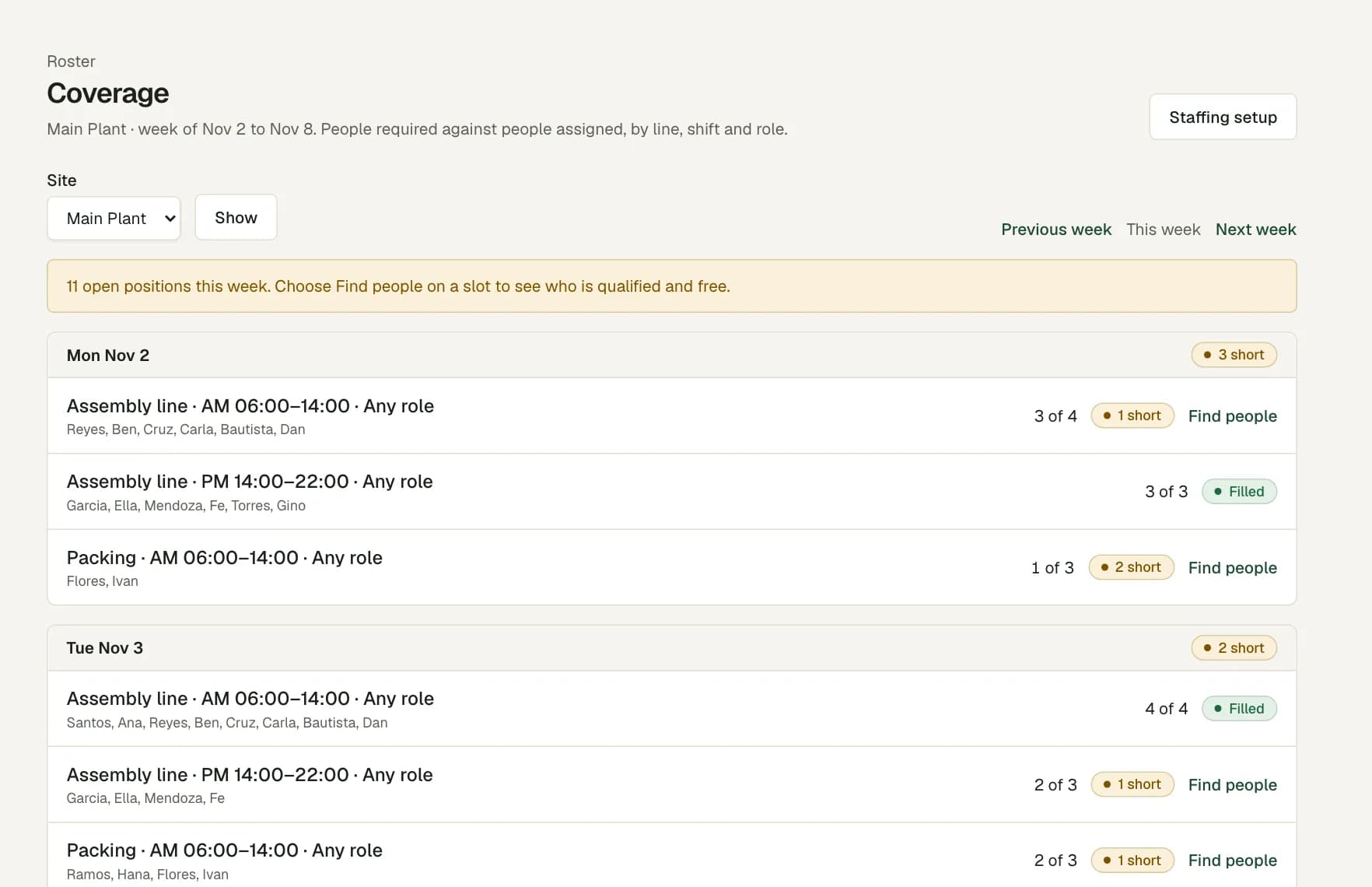
Headcount by line, area and shift
Set a requirement for each production line, work area or team: the shift, the days of the week, the number of people and, if needed, a qualification.
For example, a supervisor can set the required headcount for a packing line, then see whether the next shift is short before publishing the roster. Coverage plans people, not machines or production output.
Certificates checked before the shift
Record each qualification a person holds, with the date it starts and the date it ends. The staffing page shows which ones expire soon and which have expired.
If a shift needs a qualification, the roster does not accept a person who does not hold it on that date. If a certificate lapses after you assign the shift, you change or remove that shift before the roster can publish.
Rotating shifts and rest gaps
A night shift that ends the next morning is one shift on the roster. When the rotation repeats, copy the previous week and change only what is different.
Set your rest gap and weekly hours limit in the roster policy. The roster warns you when a person gets less rest or more hours than your policy allows.
Punches from the plant floor
Operators clock in on their phone or in a browser. Operators who have no phone, or must not carry one on the floor, use a shared kiosk tablet at the gate with an ID card or their employee number and PIN. Inside a plant the signal often drops, so the app and the kiosk keep each punch with its original time and send it later.
Set the plant to require a location, and a punch from outside the plant area is flagged for the supervisor to review. Late starts against the shift show on the timesheet before the supervisor approves the day.
Questions
Does Workforce Pinas do production scheduling?
No. It plans people, not machines or output. It shows how many people each line and shift needs, and who is assigned.
What happens when an operator's certificate expires?
The staffing page shows it as expired. The roster does not accept that person on a shift that needs the certificate, and you must change any shift that still needs it before the week can publish.
Can we run more than one plant?
Yes. Each plant is a site with its own roster, work areas, requirements and location setting. A role can be limited to one site.
Do operators need their own phone?
No. Operators with a phone clock in on the Android app or in a browser, with their own sign-in. Operators without one use the time clock kiosk: a shared Android tablet at the gate, with an ID card or an employee number and PIN.